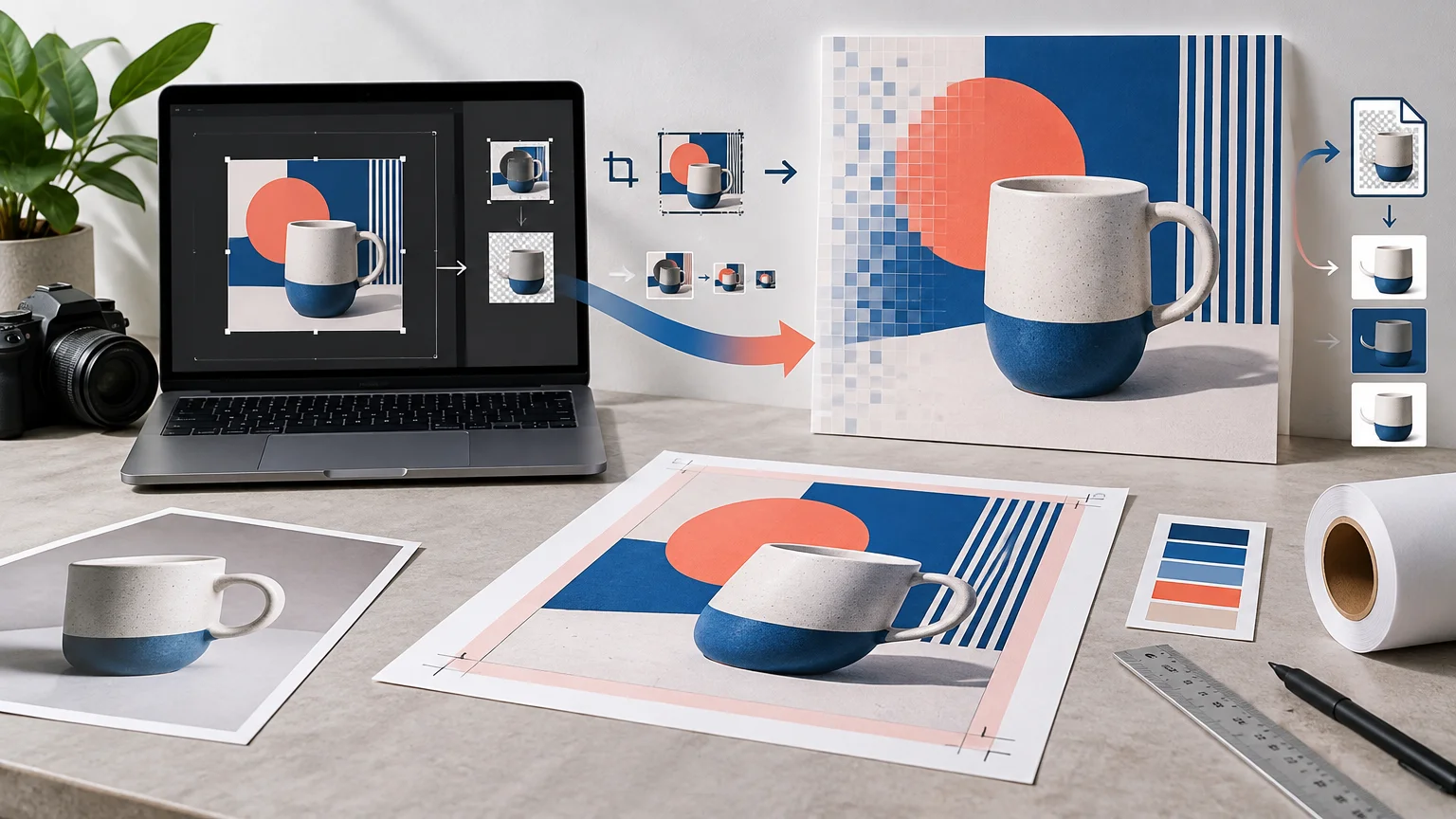
How to Prepare Artwork Specifically for CustomStickers.com
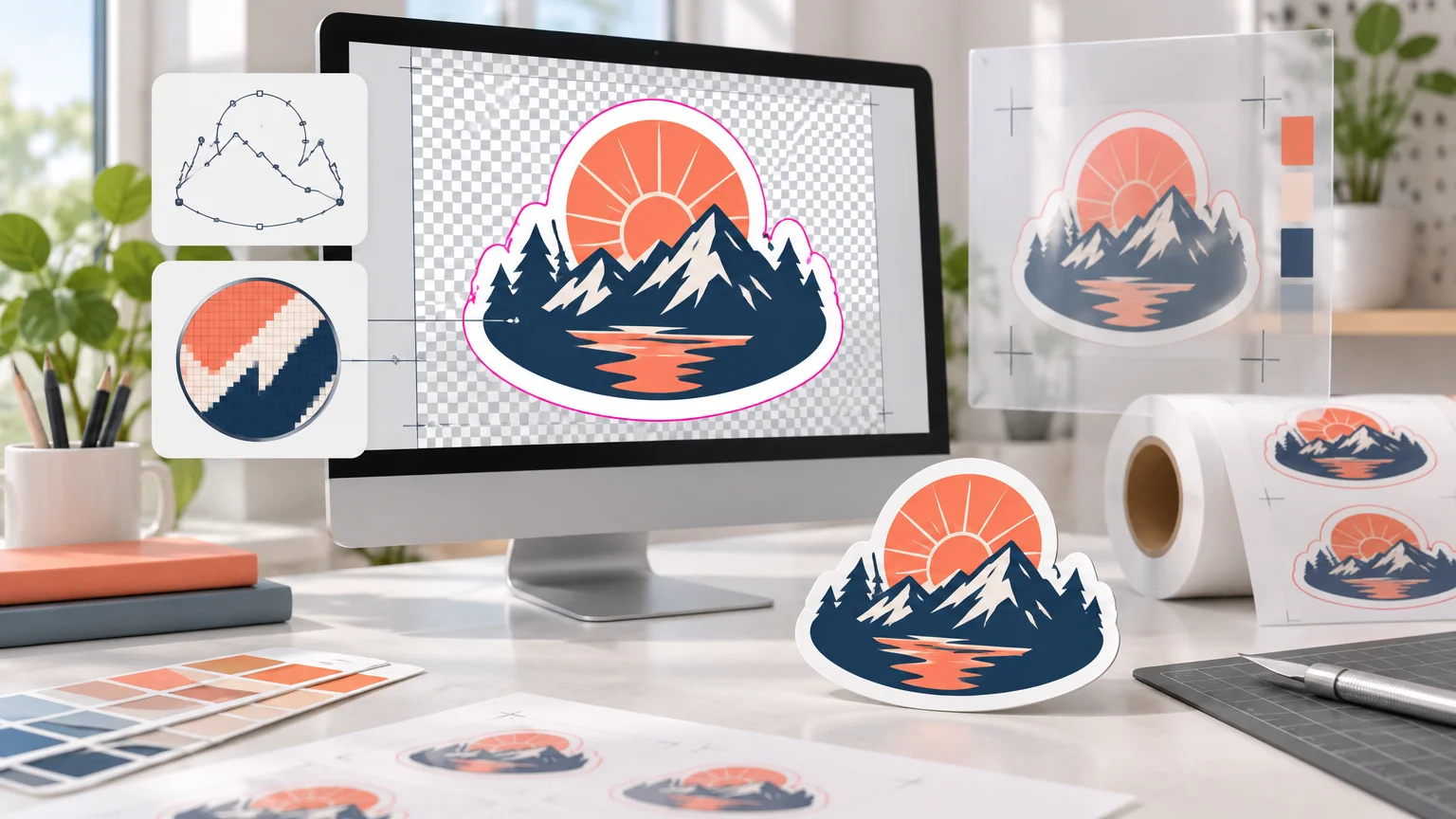
Prepare crisp sticker artwork by choosing the right file type, checking effective resolution at final size, handling transparency intentionally, and reviewing the cut-line proof.
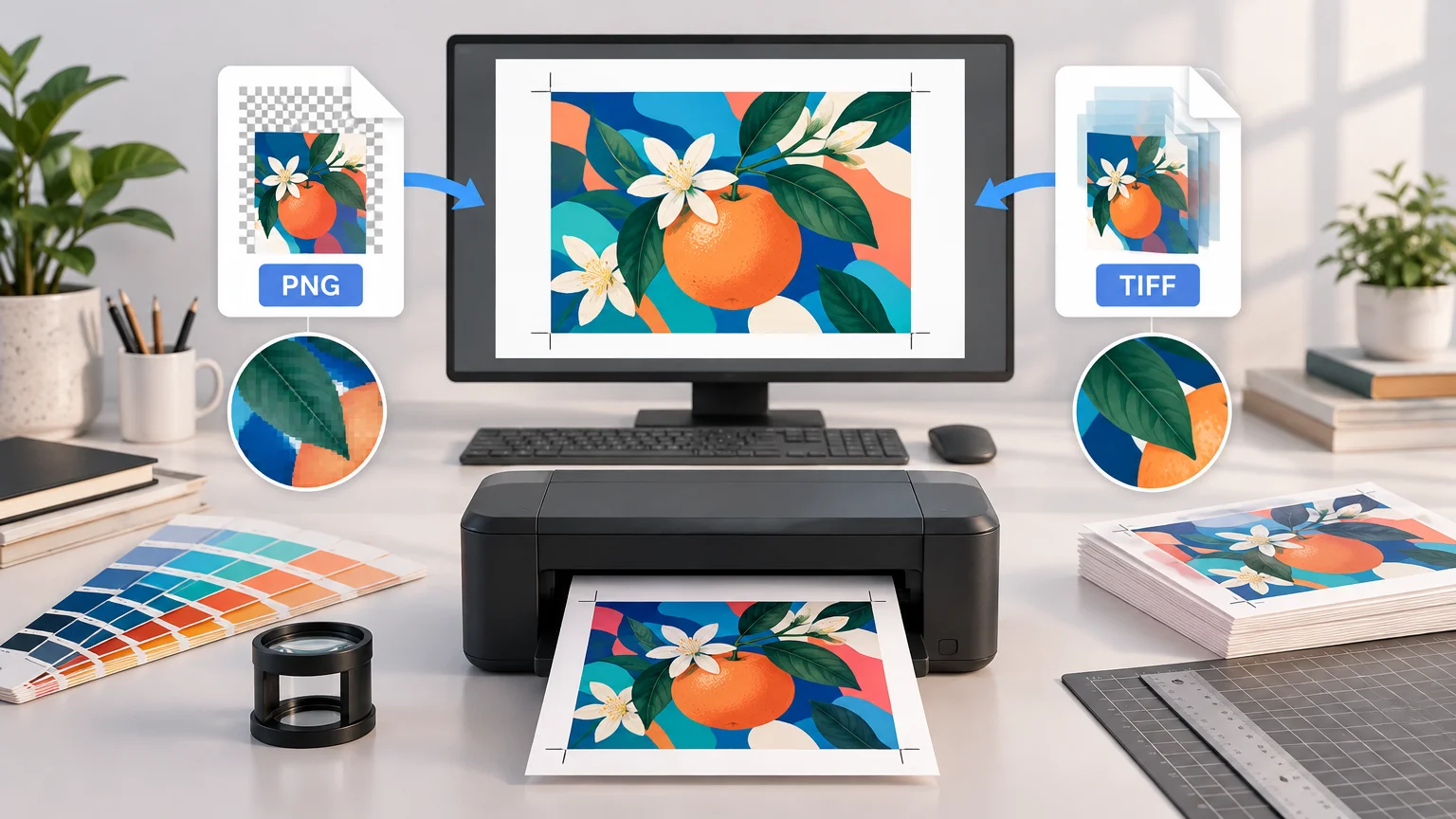
TIFF is often the safer raster format for professional production, but an accepted PNG can print just as sharply. Choose by workflow, not extension alone.
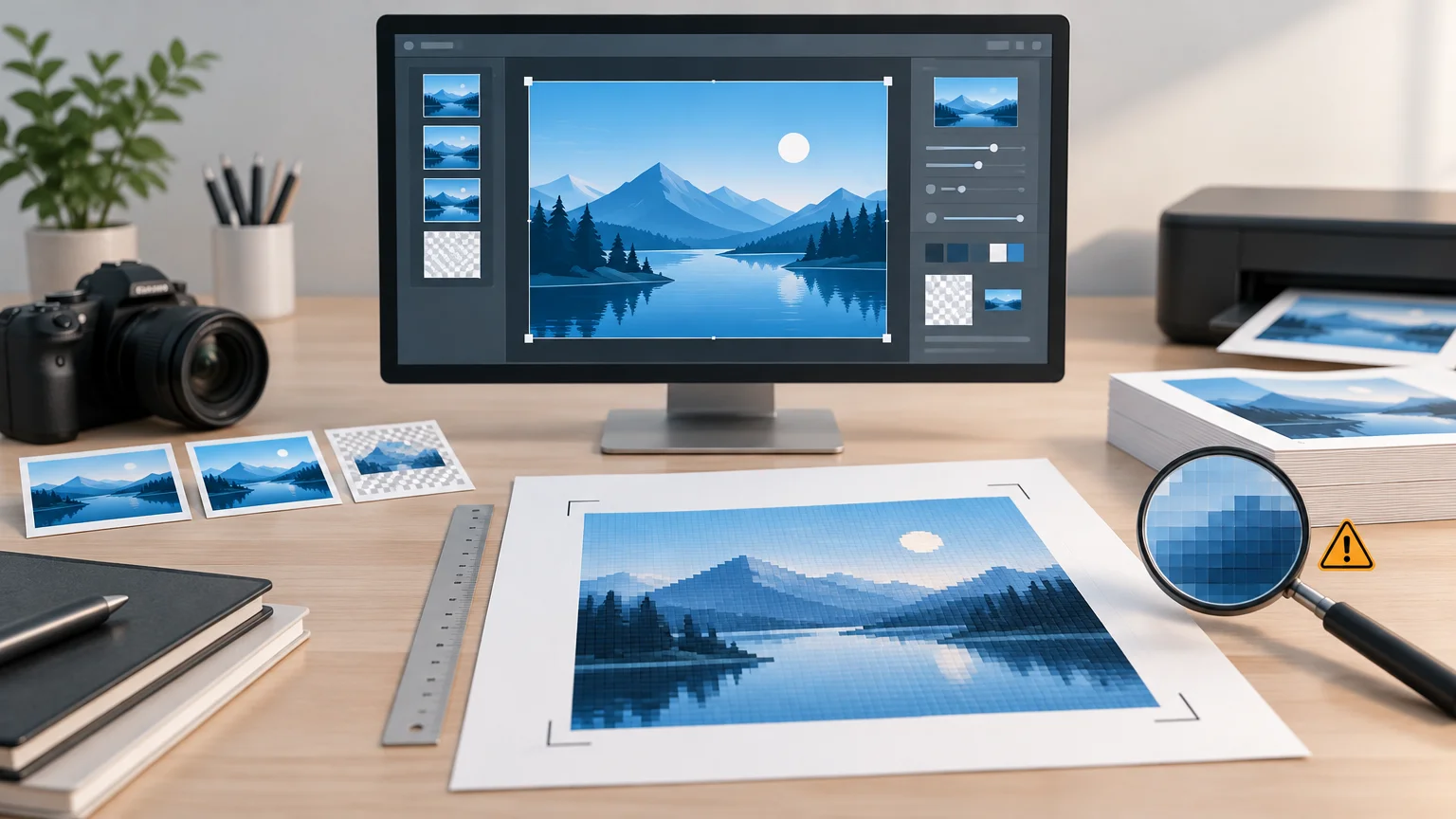
A screenshot can print clearly, but only when its pixel dimensions support the intended physical size. Learn how to calculate effective PPI and avoid quality loss during editing, export, and handoff.
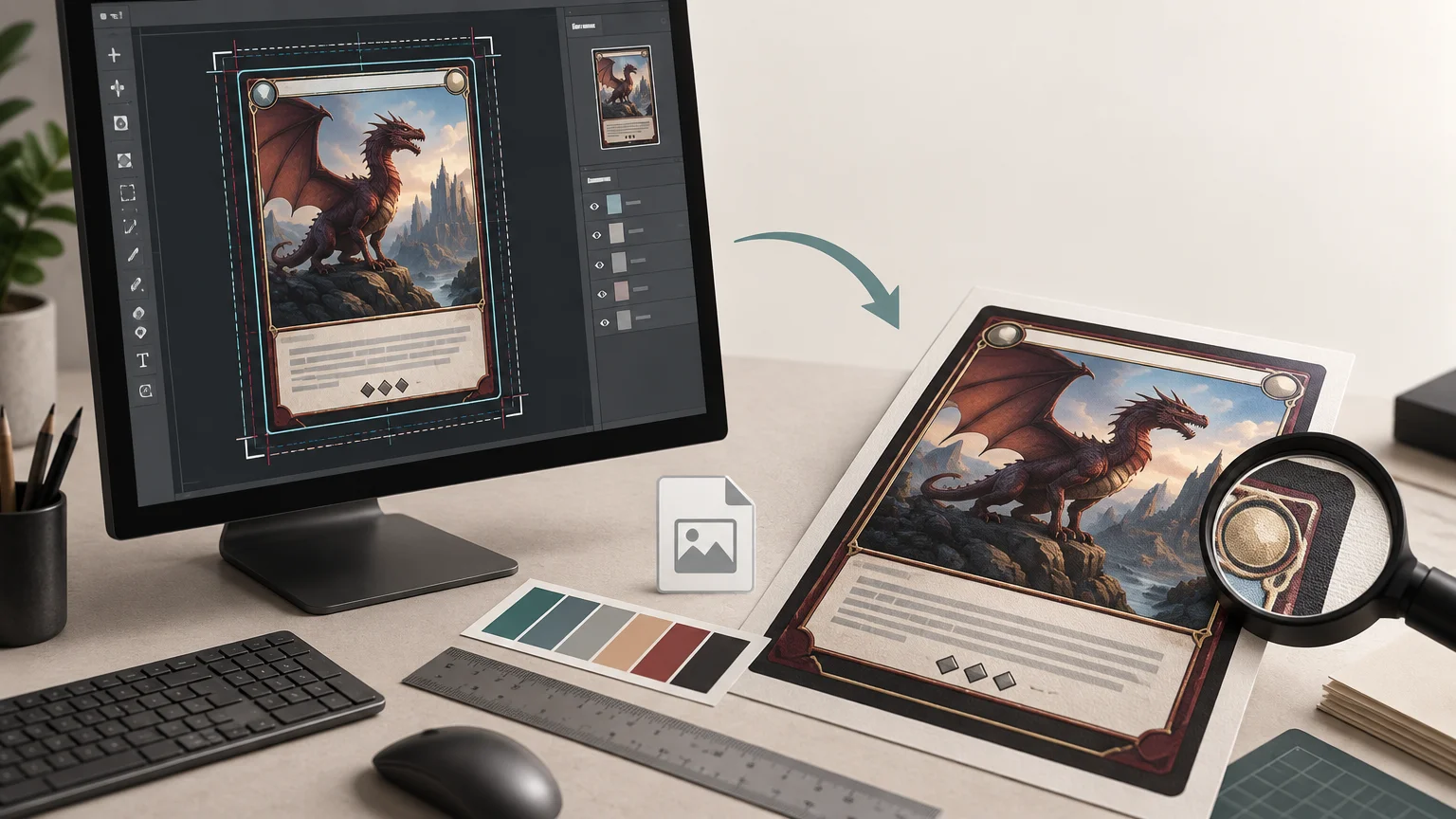
Prepare custom MTG card files with the correct canvas, bleed, safe area, effective resolution, text handling, and export settings for PrintMTG.
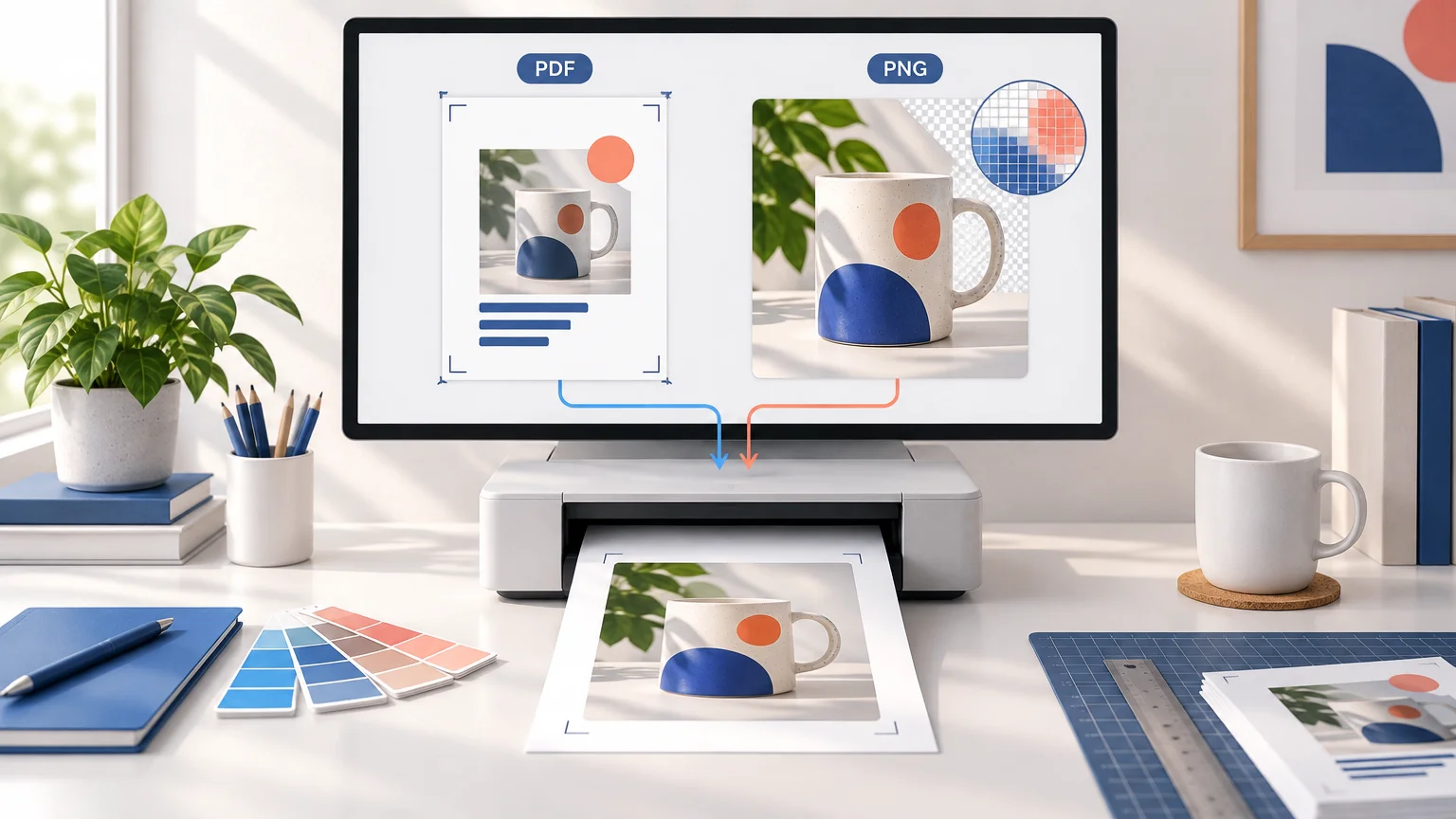
PDF is usually the better handoff format for complete print layouts, while PNG can work for a correctly sized raster image. Here is how to choose and check your file.
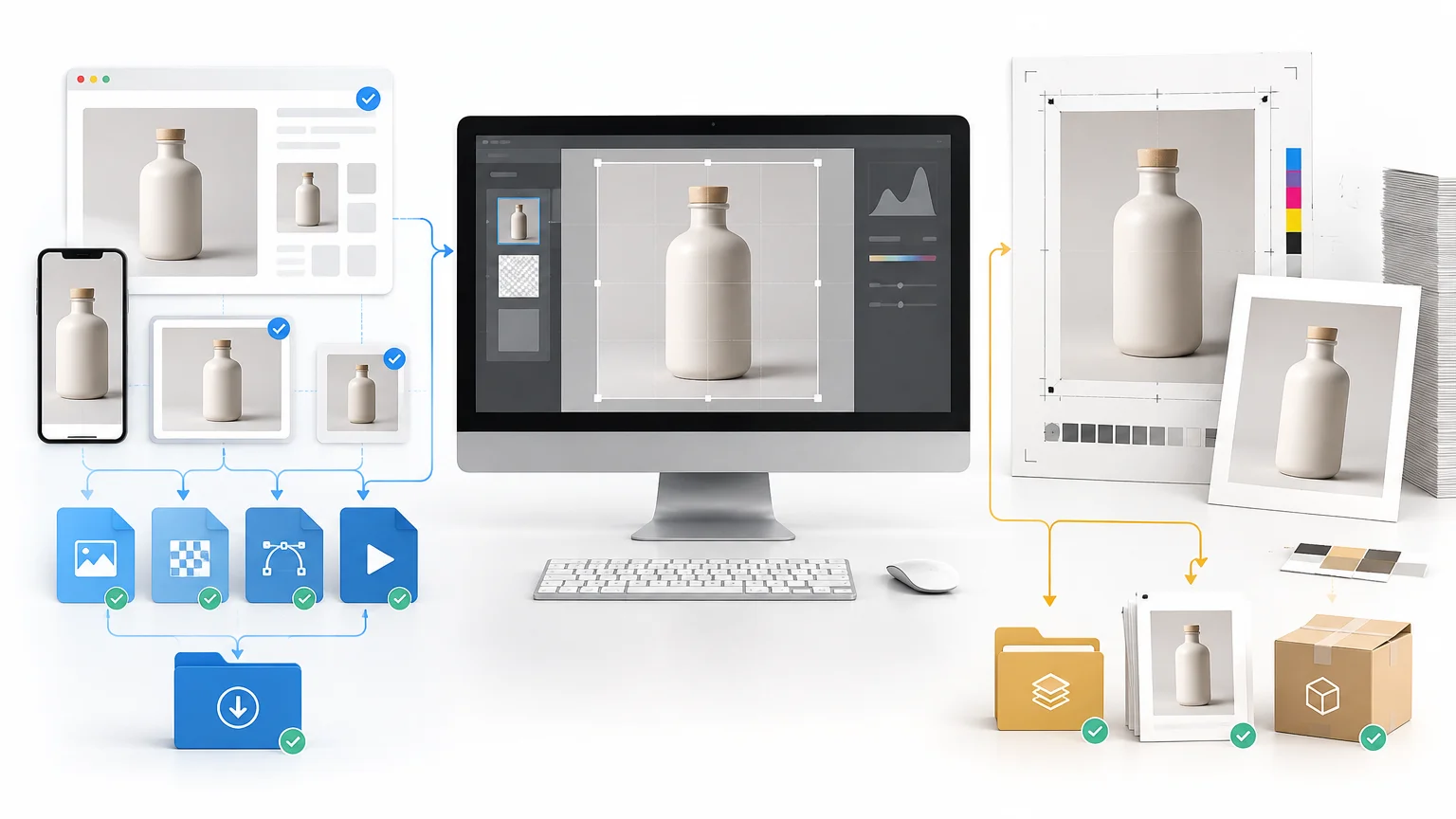
Build a dependable batch export workflow that turns one edited master image set into clearly separated, correctly sized web and print deliverables.
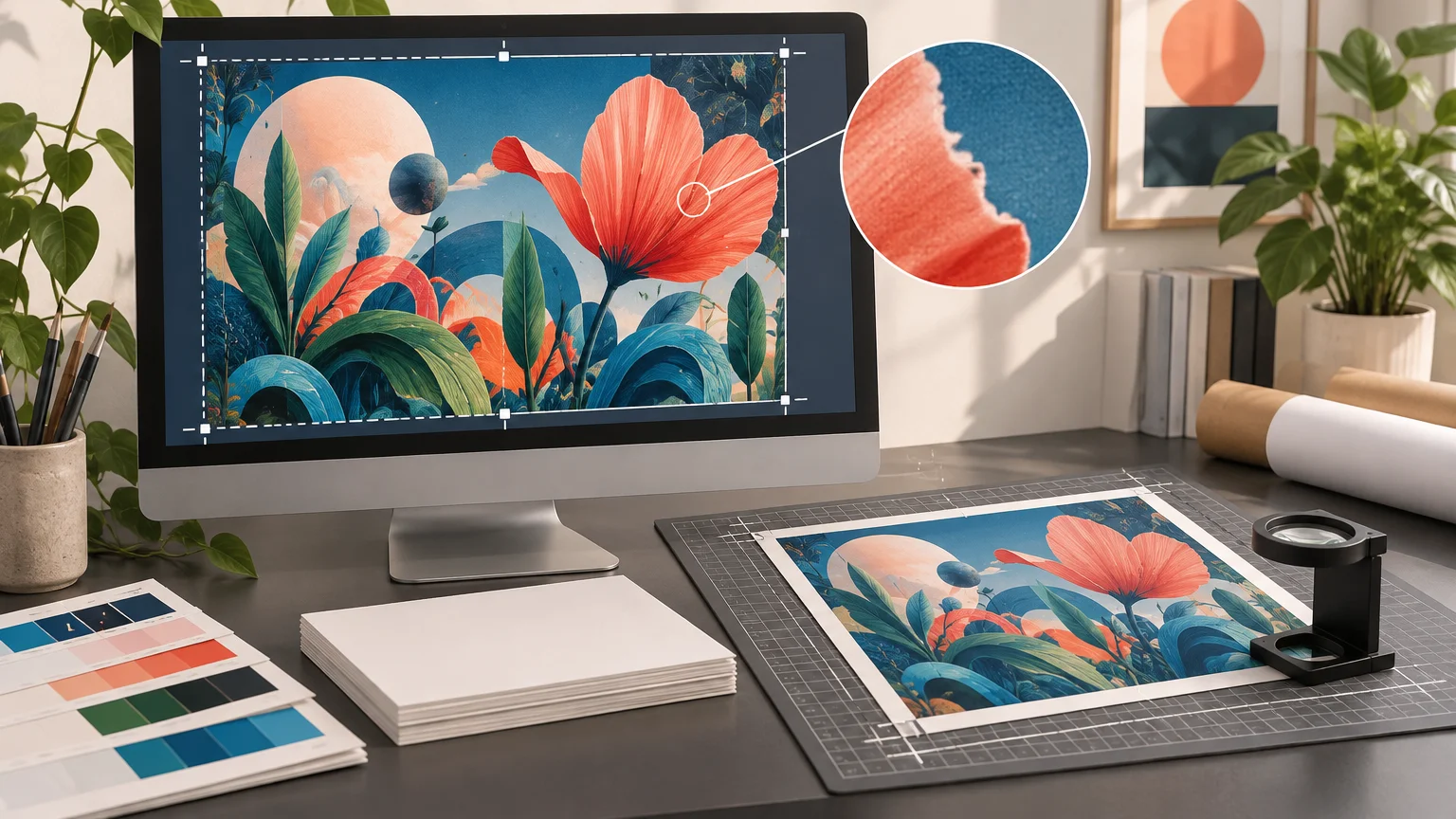
Check an AI-generated image’s final crop, effective PPI, visible artifacts, color setup, and export file before committing to a physical print.
Learn how to evaluate a social-media image, calculate its printable size, rebuild weak elements, add bleed, and export a dependable print-production file.
TLDR A design can be perfectly sharp when it leaves the artist and blurry by the time it reaches the printer. Usually, nobody intentionally ruined it. The file simply passed through too many places. It was emailed, downloaded, texted to somebody, uploaded to a chat, screenshotted, cropped, and finally named logo-new-final2.jpg. Learning how to send … Read more
TLDR Choosing an image format sounds like a minor technical decision until your website has 300 oversized PNG photographs and every page takes forever to load. The three formats most people encounter are JPEG, PNG, and WebP. They can all display images in a browser, but they solve different problems. Picking the right one can … Read more