
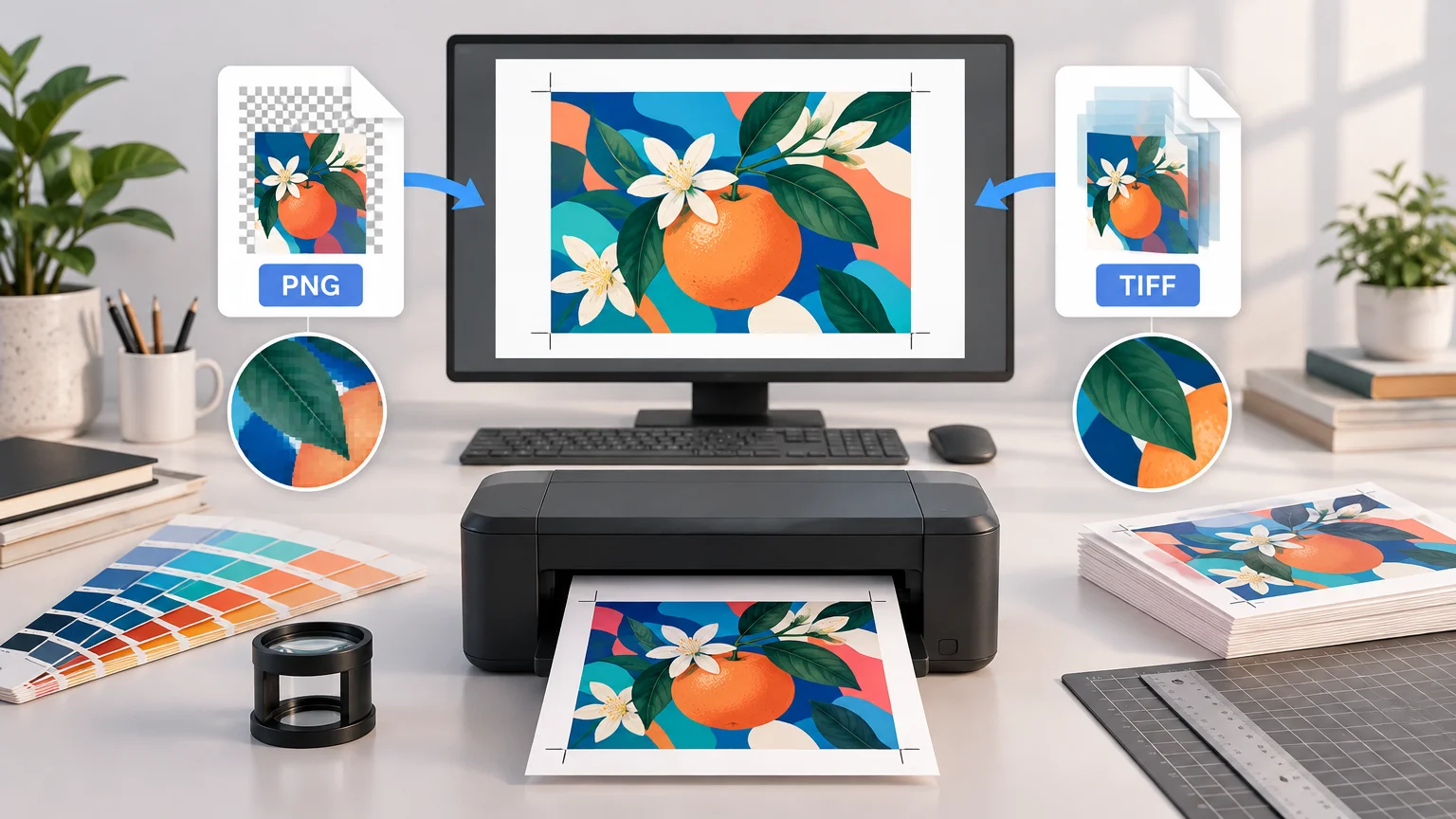
TLDR: When comparing PNG vs TIFF for printing, use the format specified by the printer. TIFF is generally the safer raster handoff for professional image production, high-bit-depth masters, scans, and workflows that require CMYK. PNG can be entirely suitable when an upload portal accepts RGB artwork or requires transparency. Neither format compensates for inadequate pixel dimensions, missing bleed, unsuitable color handling, or an incorrect final size.
The practical answer is not that TIFF always prints better. Both TIFF and PNG can preserve raster image data without lossy compression. What matters is whether the receiving software supports the file’s color mode, profile, transparency, bit depth, and compression—and whether the image contains enough pixels for the intended physical size. TIFF often wins because it fits more production workflows, not because changing a filename to .tif creates detail.
PNG vs TIFF for printing: the quick decision
| Print situation | Usually choose | Why |
|---|---|---|
| The printer explicitly requests TIFF | TIFF | Match the production specification instead of supplying an alternative. |
| An online portal accepts PNG and needs transparency | PNG | PNG supports alpha transparency and may be the portal’s intended upload format. |
| A high-resolution scan or retouched photo master | TIFF | TIFF supports varied color spaces and bit depths and is widely used for high-quality raster assets. |
| A CMYK production workflow | TIFF or required PDF | PNG’s standardized core color types are RGB-family, grayscale, and indexed color rather than CMYK. |
| A photograph placed into a page-layout application | TIFF, PSD, or required format | The best choice depends on the layout application and final output method. |
| A complete brochure, card, poster, or packaging panel | Print-ready PDF if requested | A PDF can preserve the complete page, including dimensions, bleed, type, and positioned artwork. |
| A logo built from text and geometric shapes | Requested vector or PDF format | Vector artwork keeps edges and type independent of raster resolution. |
This table provides a starting point, not a substitute for the printer’s specification. A provider may accept PNG for one product but require TIFF, JPEG, or PDF for another. If its instructions identify a color profile, bleed amount, maximum file size, or transparency policy, those requirements take priority.
Why TIFF is often safer—but not inherently sharper
TIFF is a flexible raster format capable of representing different color spaces, bit depths, and image characteristics. That flexibility has made it useful for high-resolution images, preservation files, scans, photo masters, and production assets. The Library of Congress provides a detailed technical description of the TIFF format.
TIFF can also fit workflows in which CMYK data or more than 8 bits per channel must be retained. Those capabilities matter when they are part of an actual color-managed production process. They do not mean every TIFF needs to be CMYK or 16-bit. A printer may prefer an RGB TIFF converted through its own output workflow.
TIFF’s flexibility can create compatibility questions of its own. Compression method, layers, alpha channels, bit depth, and color mode may not be treated consistently by every upload portal or raster image processor. Before exporting, confirm whether the provider wants a flattened file, which TIFF compression it accepts, and whether an embedded ICC profile should be included.
Adobe likewise treats page-layout format selection as dependent on the layout application and final output method. Its guidance identifies TIFF as a commonly used layout asset while noting that applications such as InDesign can place PSD files directly. This is another reason to choose for the downstream workflow rather than converting everything to TIFF by habit.
When PNG is good enough for printing
PNG is a lossless raster format with standardized grayscale, indexed-color, and truecolor RGB image types. It can also carry alpha transparency and color-management information. A properly sized PNG can therefore produce a sharp print when the provider accepts it and handles its RGB color and transparency correctly.
PNG is particularly practical for artwork submitted through an online product builder that expects a transparent background. That may include cut-shape graphics, icons, illustrations, or merchandise artwork. If you are preparing artwork for custom stickers, check the product’s upload requirements before flattening transparency or converting the file.
Transparency still requires inspection. Soft shadows, glows, anti-aliased edges, and partially transparent pixels can interact unexpectedly with a colored substrate, white ink layer, or automatic cut-line system. A transparent area on screen does not tell you how a specific printer will manufacture it. Ask how the provider handles semi-transparent pixels and request a proof when the edge treatment is important.
PNG is less natural as a CMYK production-file handoff because its standardized core color types are based on RGB, grayscale, and indexed color rather than CMYK. That does not make RGB PNG unprintable. It means a conversion will occur somewhere in the workflow, and the provider should tell you whether it wants to perform that conversion.
Resolution depends on pixels and print size, not the extension
Converting PNG to TIFF does not add genuine image detail. If a PNG measures 2400 × 3600 pixels, an ordinary conversion produces a TIFF with the same pixel dimensions unless the software also resamples it. Changing the container cannot recover texture, sharp edges, or fine type that the source never captured.
To evaluate a raster file, calculate its effective pixels per inch at the final printed size:
Effective PPI = pixel dimension ÷ printed dimension in inches
For example, a 12 × 18-inch image targeted at 300 PPI requires 3600 × 5400 pixels. The calculations are 12 × 300 = 3600 and 18 × 300 = 5400.
If the available file is 2400 × 3600 pixels and it is printed at 12 × 18 inches, both dimensions produce 200 PPI: 2400 ÷ 12 = 200 and 3600 ÷ 18 = 200. Saving that file as TIFF leaves it at 200 PPI at the chosen size. Merely changing the metadata field labeled “resolution” will not change that result unless the image is resampled.
Do not treat 300 PPI as a universal pass-or-fail rule. Suitable effective resolution varies with the printing process, artwork, output dimensions, viewing distance, and provider. Fine photographic prints and small text may need more care than a large display viewed from several feet away. For a deeper explanation of this failure point, see why screenshots often print worse than expected.
Color mode and profiles can matter more than PNG versus TIFF
RGB describes colors for screen-oriented image data, while many physical printing processes ultimately use CMYK inks or another device-specific ink set. That does not automatically mean you should convert every RGB image to CMYK yourself. An uninformed conversion can clip saturated colors or embed a profile that does not match the printer’s press condition.
Use the color mode and ICC profile requested by the provider. If it accepts RGB and performs its own conversion, retain the image’s embedded profile when instructed. If it supplies a specific CMYK profile and asks for converted files, preview the conversion in color-managed software and inspect saturated colors, dark shadows, gradients, and neutral grays.
Keep an editable master separate from the delivery file. The master might be a layered Photoshop document, a high-bit-depth TIFF, or another application-native file. Export a flattened TIFF, PNG, or PDF specifically for the receiving workflow. This approach also makes it easier to create separate web and print derivatives; a batch export workflow for web and print can prevent one output from being mistaken for the other.
Should you send TIFF or a print-ready PDF?
TIFF and PNG are image formats. A finished print piece is often more than one image: it may include trim dimensions, bleed, safe margins, vector text, multiple pages, and several placed assets. In that situation, the printer may request a print-ready PDF rather than either raster format.
A TIFF can be suitable when you are delivering a standalone photograph, scan, texture, or flattened image asset. A PDF is usually more suitable when the deliverable is a complete layout such as a brochure, business card, poster, booklet, or packaging panel. The printer’s export preset or PDF standard should guide the final settings. For a focused comparison, see PDF vs PNG for printing.
Do not rasterize a clean vector logo merely to fit this comparison. If the artwork consists of paths, text, and simple shapes, supply an accepted vector file or vector-preserving PDF whenever the provider requests one. That keeps edges and type scalable instead of locking them to a pixel grid.
A dependable preflight checklist
- Read the provider’s current artwork specification before exporting.
- Set or confirm the final trim dimensions and orientation.
- Check the actual pixel dimensions of every raster image.
- Calculate effective PPI at the final placed size.
- Use the requested format, color mode, and ICC profile.
- Include bleed and keep important content inside the stated safe area when the product requires them.
- Inspect transparent and semi-transparent edges against a realistic background.
- Confirm acceptable TIFF compression, bit depth, flattening, and alpha-channel settings if submitting TIFF.
- Do not assume that converting PNG to TIFF improves resolution.
- Zoom in to inspect fine text, hard edges, masking artifacts, and resampling halos.
- Retain an editable master and create a separate, clearly named delivery file.
- Request or review a proof when color, transparency, cutting, or placement is critical.
Common questions answered
Is TIFF always better than PNG for print quality?
No. Both formats can preserve raster pixels losslessly, so an accepted PNG and TIFF made from the same pixel data can contain equivalent visible detail. TIFF is often preferable because of production flexibility, color-space options, bit-depth support, or explicit printer requirements.
Should you convert an RGB PNG to CMYK?
Only when the printer requests CMYK and supplies enough information to make the conversion correctly. Otherwise, ask whether it prefers the original profiled RGB file. The output device and intended printing condition determine which CMYK conversion is appropriate.
Can a printer use a transparent PNG?
Yes, if its workflow supports PNG transparency. PNG can carry alpha transparency, but the provider must confirm how fully and partially transparent pixels will be interpreted. Review a proof when transparency affects white ink, cut lines, shadows, or edge appearance.
The final rule
Choose the receiving workflow first and the extension second. Use TIFF when the printer requests it or when you need its broader production capabilities. Use PNG when the provider accepts an RGB raster file and transparency is useful. Use a print-ready PDF when you are delivering a complete designed page rather than a standalone image.
Then verify the factors that actually control the result: final dimensions, effective PPI, color handling, bleed, transparency, and proofing. Keep the highest-quality editable master separately and export a delivery file built for the specific print job. That is more reliable than expecting either PNG or TIFF to make an unprepared image print-ready.